How to Register for Self Assessment with HMRC (2026 Guide)
August 19, 2026
How do you register for self assessment with HMRC?
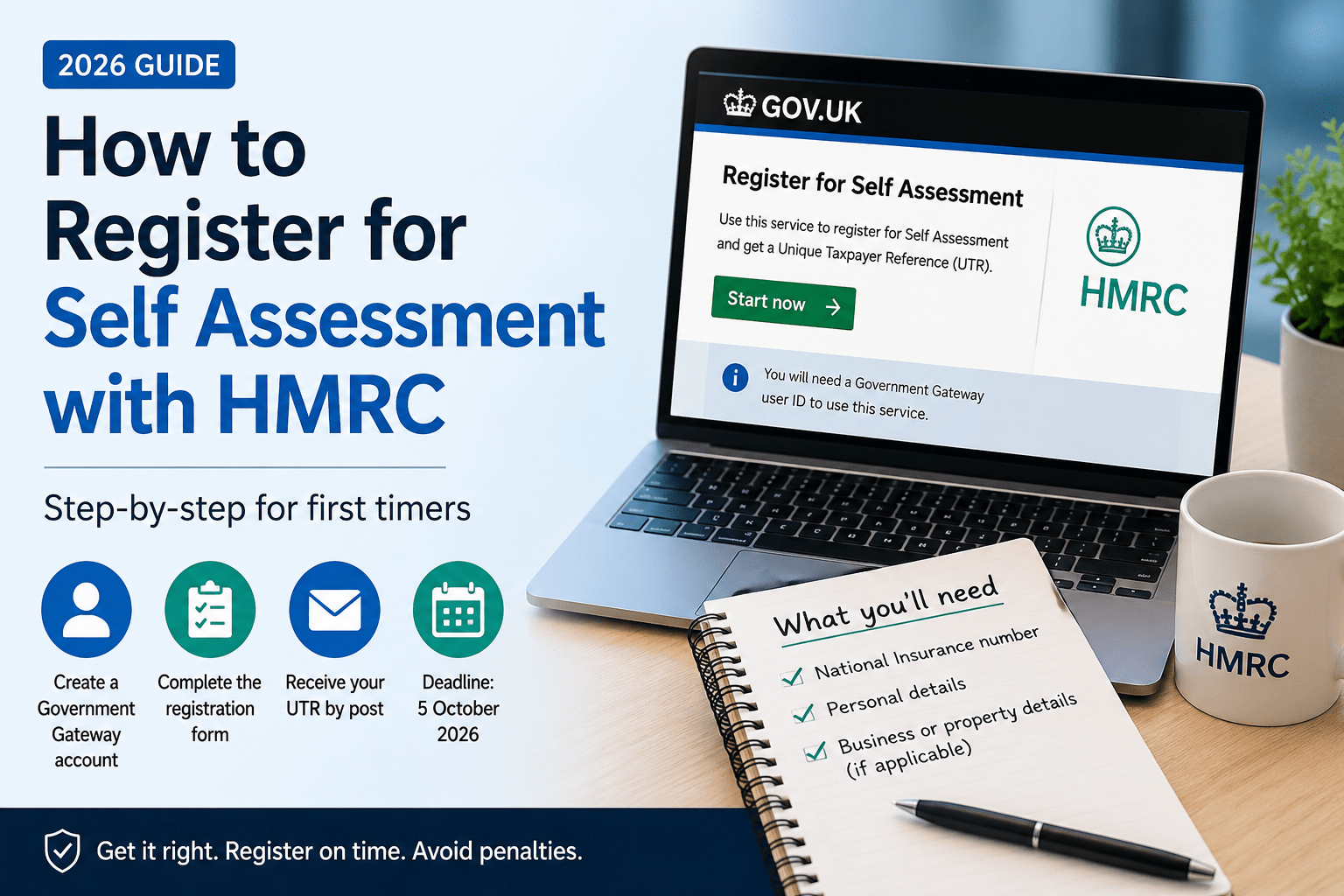
You register by creating a Government Gateway account on GOV.UK, completing the online registration form for your situation and then waiting for HMRC to post your Unique Taxpayer Reference (UTR) to your home address. The online part takes about 15 minutes. The UTR arrives in 10 working days (21 days if you’re overseas).The registration deadline for the 2025/26 tax year is 5 October 2026. Miss it and you’re squeezing yourself against the filing deadline, which is a fast track to a £100 late filing penalty.If you’d rather have someone handle all of these tasks for you, Tax Return Assist’s self-employed accountants register clients with HMRC as part of the service. They act as your HMRC agent, so you don’t need to navigate Government Gateway at all. But if you want to do it yourself, here’s the full process.Do you actually need to register?
Not everyone does. You only need to register for self assessment if you have income that isn’t taxed through PAYE. The most common triggers:You started working for yourself (sole trader, freelancer, contractor). You earned rental income from property. You’re a company director receiving dividends. Your total income exceeded £100,000. You received capital gains over £3,000. You need to pay the High Income Child Benefit Charge.If your only income is from an employer who handles everything through PAYE and you don’t hit any of those triggers, you probably don’t need to register. HMRC has a free online tool on GOV.UK called “Check if you need to send a Self Assessment tax return” that confirms it in about 2 minutes.Already know you need to register? Skip ahead to the step-by-step process below.What information do you need to register?
Have all of this ready before you start. It’ll save you from abandoning the form halfway through and starting over.Your National Insurance number: On your payslip, P60, benefits letter, or any HMRC correspondence. If you are unable to locate it, you may request it from HMRC online; please note that this process can take up to 15 working days, so it’s advisable to do it early.Your personal details: Full legal name, date of birth, current address, phone number, and email address. These need to match what HMRC already has on file for you.Your business details (if self-employed): The date your business started trading, the nature of your business (what you actually do), your trading name (if different from your name), and your business address.Your property details (if you’re a landlord): The date you started receiving rental income and the type of property (residential, commercial, holiday let).You don’t need your UTR to register. The UTR is what HMRC sends you after registration. That’s the main purpose of the process.What is a Government Gateway account, and how do you set one up?
Government Gateway is HMRC’s online login system. It’s completely separate from your UTR. Think of it as your username and password for accessing HMRC’s website. Your UTR is your taxpayer ID number.If you’ve never used HMRC’s online services before, you’ll need to create a new account:Step 1: Go to GOV.UK and search “Government Gateway.” Click “Create sign in details.”Step 2: Enter your email address. HMRC sends a confirmation code to that email. Enter it.Step 3: Create a password. It needs to be at least 12 characters.Step 4: Set up 2-step verification. You can use your mobile phone number (they’ll text a code each time you log in) or an authenticator app.Step 5: HMRC issues your 12-digit Government Gateway user ID. Write it down somewhere safe. You’ll use this every time you log in.The entire process takes about 5 minutes. You now have a Government Gateway account, but it doesn’t have self assessment linked to it yet. That comes next.How do you register for self assessment, step by step?
The process differs slightly depending on your situation. There are three main paths.Path 1: You’re self-employed (sole trader, freelancer, contractor)This option is the most common path. HMRC registers you for self assessment and Class 2 National Insurance at the same time.Step 1. Go to GOV.UK and search “register for self assessment.” Select “You’re self-employed” from the options.Step 2. Log in with your Government Gateway user ID and password.Step 3. Fill in the online form. Your name, National Insurance number, date of birth, business start date, what your business does, and your business contact details.Step 4. Submit. HMRC confirms your registration online and posts your UTR to your home address within 10 working days.If you’re a contractor in the construction industry, you’ll also need to register under the Construction Industry Scheme (CIS). Tax Return Assist’s accountants for contractors can handle both registrations together.Path 2: You’re not self-employed (landlord, investor, high earner, company director)You need to fill in form SA1. HMRC doesn’t offer a fully online registration for this group, which is annoying, but that’s how it works.Step 1. Go to GOV.UK and search “SA1 form.” Download or print the form.Step 2. Fill it in. Your personal details, National Insurance number, the reason you need to register (rental income, dividend income, capital gains, etc.), and the tax year the registration applies to.Step 3. You can submit
the form online through your Government Gateway account or post it to HMRC. The postal address is on the form.Step 4. Wait for your UTR. It takes the same 10 working days by post.Landlords registering for the first time should also review the property tax accountant page for guidance on what income and expenses to track from day one.Path 3: You’re a partner in a business partnershipTwo forms needed. The partnership itself must be registered using form SA400. Each individual partner registers separately using form SA401. Both are available on GOV.UK.The nominated partner (the person responsible for the partnership’s tax affairs) submits the SA400 and receives the partnership UTR. Each partner then gets their individual UTR through the SA401.What is a UTR number, and when does it arrive?
Your Unique Taxpayer Reference is a 10-digit number that identifies you in HMRC’s self assessment system. It stays with you for life, even if you stop filing for a few years and come back later.After you register, HMRC posts it to your home address. Expect it in 10 working days if you’re in the UK and 21 working days if you’re abroad. During busy periods (September and October, when everyone registers last-minute), it can take longer.Once your UTR arrives, you need to add self-assessment to your Government Gateway account:Step 1. Log into your Government Gateway account.Step 2. Select “add a tax” or navigate to your services.Step 3. Choose “Self Assessment” and enter your UTR when prompted.Step 4. HMRC may send a separate activation code by post. Enter it within 28 days to complete the link.Thereafter, you can file your tax return online. Your UTR is also printed on any letters HMRC sends you about self assessment, so keep those letters safe.What if you’ve lost your UTR or never received it?
Don’t register again. Registering a second time creates a duplicate record, which causes more problems than it solves.Instead, try these:Check your HMRC online account. If your self assessment is already set up, your UTR is visible there.Check old tax returns, HMRC letters, or your accountant’s records.Call HMRC’s self assessment helpline on 0300 200 3310. They can tell you your UTR over the phone once you’ve passed security checks. Lines are open Monday to Friday, 8am to 6pm.If you genuinely never received it (it got lost in the post), HMRC can reissue it to the same address or a new one. This takes another 10 working days.What’s the registration deadline, and what happens if you miss it?
For the 2025/26 tax year, the registration deadline is 5 October 2026. That’s 6 months after the tax year ends.If you miss 5 October, you can still register. HMRC doesn’t refuse late registrations. But the filing deadlines don’t move. The online filing deadline is still 31 January 2027. If a late registration means your UTR arrives in November and you can’t file until December, you’ve eaten into your time buffer.The real risk is this: if a late registration causes you to miss the 31 January filing deadline, you get hit with the £100 automatic penalty. And HMRC can also charge a separate late registration penalty in some cases, though they don’t always enforce it.Register early. There’s no penalty for registering too early, but there are real consequences for registering too late.What should you do after you’re registered?
Set up your record-keeping system. You need to track all your income and allowable expenses from the start of the tax year. A simple spreadsheet works. Accounting software like Xero, FreeAgent, or QuickBooks is better if you want to stay organised long-term. Alternatively, you could use a bookkeeping service and let someone else handle your accounts.Open a separate business bank account. This isn’t legally required for sole traders, but it makes life dramatically easier at tax return time. Mixing personal and business transactions in one account turns a 30-minute job into a 3-hour headache.Put money aside for your tax bill. A good guideline is to set aside 25% to 30% of your profit. Open a savings account, transfer the percentage every time you get paid, and leave it untouched until January.Know your deadlines. The deadline for online filing and payment is 31 January 2027.
31 July 2027 is the deadline for the second payment on account (if applicable). Put both in your calendar with reminders a month before.Can an accountant register on your behalf?
Yes. An HMRC-registered agent (your accountant) can handle the entire registration process for you. They submit the registration, receive notifications from HMRC, and file returns on your behalf.You’ll still get your own UTR posted to your home address. But you won’t need to log into Government Gateway, navigate forms, or worry about activation codes. Your accountant handles all of that.Tax Return Assist registers new clients with HMRC as part of their self-employed accountant and small business accountant services. If you’d rather not deal with any of the above, they’ll take it from here.Ready to register?
The process is straightforward: create a Government Gateway account, complete the registration form for your situation, wait for your UTR, and link it to your online account. Give yourself at least 4 weeks before any filing deadline to allow for postal delays.If you’d prefer an accountant to handle everything, call Tax Return Assist on 02039377911, email contact@taxreturnassist.co.uk or use the online quote form. They’ll register you with HMRC, set up your agent authorization, and file your return when the time comes. DisclaimerDisclaimer: This article is for general information purposes only and does not constitute professional financial, tax, or legal advice. Tax rules change frequently, and individual circumstances vary. Always consult a qualified accountant or tax adviser before making decisions based on this content. Tax Return Assist accepts no liability for actions taken based on the information provided here.




Leave a comment