


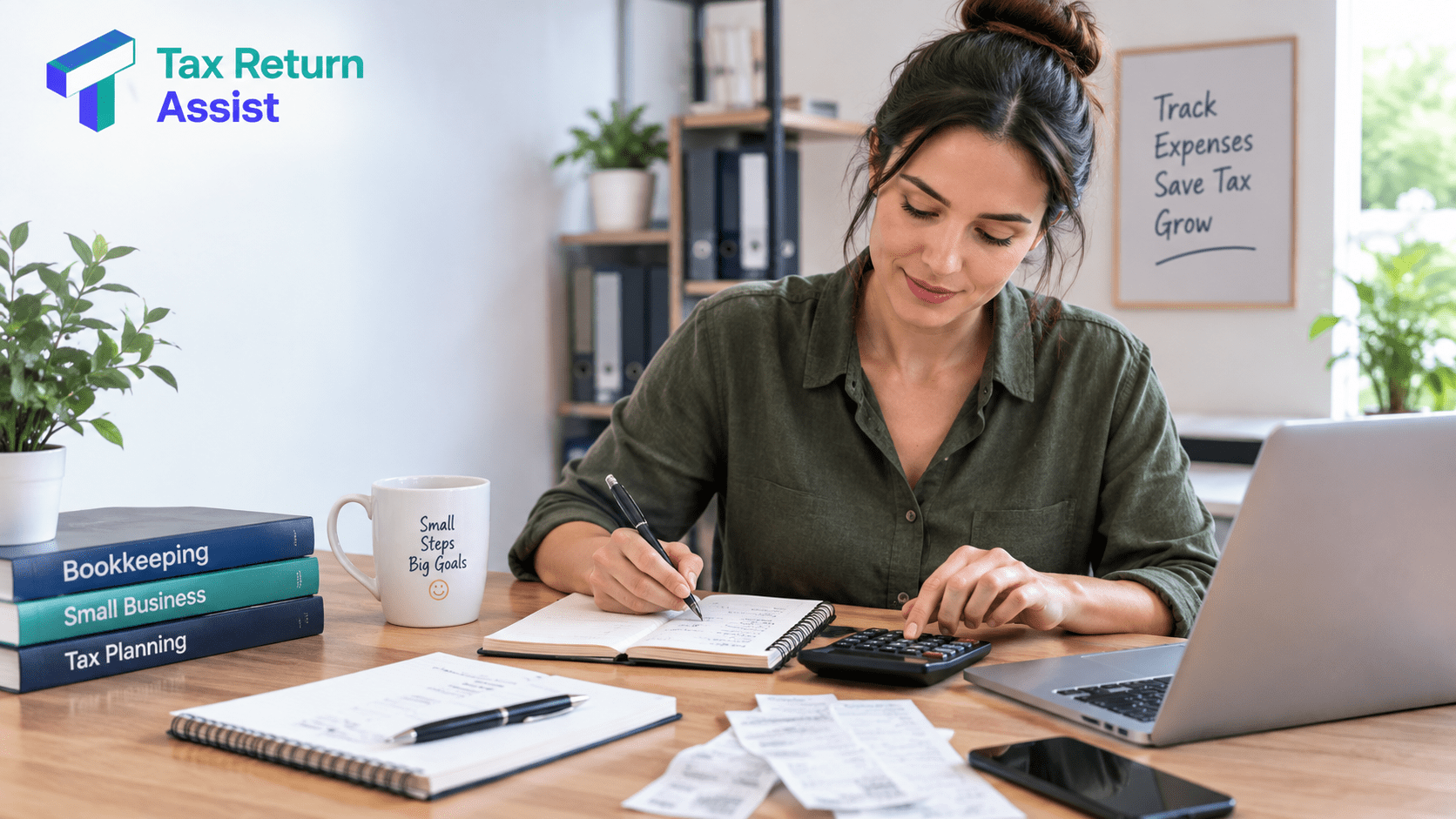
Bookkeeping Tips for Sole Traders: Stay Organized & Save Tax
September 19, 2026

September 19, 2026
Record every business transaction as it happens, keep receipts for every expense you plan to claim, reconcile your bank account at least once a month and store everything for 5 years. That’s the core of sole trader bookkeeping. Do those 4 things consistently and your tax return takes 30 minutes. Skip them, and it takes 4 hours of reconstructing your finances from memory and bank statements.
Most sole traders don’t have a bookkeeping problem. They have a procrastination problem. The actual work takes 10 to 15 minutes per week if you stay on top of it. It only becomes painful when you leave 12 months of transactions to sort through in January.
Below are the practical tips that make bookkeeping quick, painless, and HMRC-proof. If you’d rather hand it to someone else entirely, Tax Return Assist’s bookkeeping services handle everything for a fixed monthly fee.
HMRC doesn’t prescribe a specific system. You can use a spreadsheet, accounting software, a paper ledger, or even a notebook. What matters is that you can produce accurate records of your income and expenses if HMRC asks.
At a minimum, you need to record:
All money received: Every payment from every client or customer, with the date, amount, who paid you, and what it was for. If you invoice, keep copies of all invoices.
All money spent on business expenses: The date, amount, supplier, and what the expense was for. Backed up by a receipt, invoice, or bank statement.
Business bank statements: Even if you’re using accounting software that connects to your bank, HMRC may ask for the actual statements.
Mileage records: If you’re claiming business mileage, keep a log with the date, destination, purpose of the journey and miles driven.
Records must be kept for at least 5 years after the 31 January submission deadline for the relevant tax year. For the 2025/26 return filed by 31 January 2027, that means keeping records until 31 January 2032.
HMRC accepts digital records. Photos of paper receipts are fine. Cloud storage is fine. You don’t need to keep physical copies as long as the digital versions are clear and legible.
This is the single most impactful thing you can do for your bookkeeping. Not legally required, but practically essential.
With one account for business and one for personal, every transaction in the business account is a business transaction. No scrolling through 300 personal purchases to find the 40 business ones. No explaining to your accountant why there’s a Deliveroo order between two client invoices.
Free business accounts are available from Starling, Tide, and Mettle. High street banks charge £5 to £15 per month. The time saved in bookkeeping alone makes even the paid accounts worthwhile.
Pay all business expenses from the business account. Deposit all business income into the business account. Transfer a regular amount to your personal account as your drawings. Clean, simple, audit-proof.
Most sole traders should use the cash basis. It’s simpler, and it’s what HMRC defaults to for businesses with turnover under £150,000.
Cash basis: you record income when you receive the money and expenses when you pay them. If you invoice a client in March but they pay in April, the income goes in the tax year the payment lands in. Simple.
Accruals basis: you record income when you earn it (when you invoice) and expenses when you’re billed, regardless of when money actually moves. If you invoice in March but get paid in April, the income counts in the March tax year. More accurate for businesses with significant timing differences between invoicing and payment, but more complex to manage.
Cash basis has some restrictions. You can’t claim interest on business loans above £500 per year, and there are limits on loss relief. For most small sole traders, these restrictions don’t matter. If your turnover is approaching £150,000 or you carry significant stock, the accruals basis might be more appropriate. Ask your accountant before switching.
Invoice promptly and consistently: Send an invoice for every piece of work as soon as it’s done (or on agreed payment terms). Number your invoices sequentially. Include your name, address, UTR, the client’s details, a description of the work, the amount, the date and payment terms.
Record payments as they arrive: When a client pays you, match the payment to the invoice. Most accounting software does this automatically if your bank account is connected. If you’re using a spreadsheet, add a “paid” column with the payment date.
Don’t ignore cash payments: Cash income must be recorded just like bank transfers. HMRC expects to see it. If you receive cash, deposit it in your business bank account and record where it came from. Unbanked cash with no record is exactly the kind of thing that triggers HMRC inquiries.
Check for completeness at month end: Cross-reference your invoices against your bank statement. Every invoice should have a matching payment (or be marked as outstanding). Any payment in your bank account that doesn’t match an invoice needs investigating.
Photograph receipts immediately: Paper receipts fade. They also get lost in pockets, wallets, and car door pockets. Take a photo with your phone the moment you get a receipt. Apps like Dext, Hubdoc, and FreeAgent’s receipt capture feature let you photograph a receipt, and it automatically extracts the date, amount, and supplier. Our full guide to sole trader allowable expenses lists everything you can claim.
Categorise as you go: Don’t dump all expenses into one bucket and try to sort them in January. Categorize each expense as you record it: office costs, travel, marketing, professional services, phone, and software. HMRC’s self-assessment form uses specific categories. If your records already match those categories, the return is a copy-and-paste exercise.
Record mileage in real time: Keep a mileage log in your phone or car. Record every business journey on the day you make it: date, from, to, purpose, and miles. Nobody accurately remembers a journey they made 8 months ago. The HMRC-approved rate is 45p per mile for the first 10,000 business miles and 25p after that.
Don’t forget the small recurring expenses: phone contract (business proportion), software subscriptions, cloud storage, domain renewals, and professional memberships. These are easy to claim but easy to forget because they come out of your account automatically and you stop noticing them. Set a reminder to review your direct debits and standing orders once a year.
Reconciliation means checking that your records match your bank statement. Every transaction in your bank account should appear in your bookkeeping records, and every entry in your records should appear in your bank account.
If you’re using accounting software connected to your bank feed, this is mostly automatic. The software pulls in transactions, and you categorize them. A monthly reconciliation takes 10 to 20 minutes.
If you’re using a spreadsheet, download your bank statement at the end of each month and cross-reference it against your income and expense records. Flag any discrepancies.
Why this matters: catching errors monthly takes 10 minutes. Catching them annually (in January, under deadline pressure) takes hours. And some errors can’t be fixed 9 months later because you’ve lost the context.
You don’t need it, but it makes everything faster and less error-prone. The main options for sole traders:
FreeAgent (£19 to £24 per month). Built specifically for freelancers and sole traders. Clean interface, automatic bank feeds, receipt capture, self assessment filing, MTD compatible. Comes free with some business bank accounts (NatWest, Royal Bank of Scotland).
Xero (£15 to £47 per month). More powerful, better for growing businesses. Excellent app ecosystem. The starter plan covers most sole traders. MTD compatible.
QuickBooks (£12 to £35 per month). Good all-rounder. Strong expense tracking and receipt scanning. MTD compatible.
Spreadsheet (£0). A well-structured spreadsheet works perfectly for simple businesses with a small number of transactions. You’ll need columns for date, description, category, amount in, amount out, and running balance. Not MTD compatible without additional software.
If you’ll be required to use Making Tax Digital for Income Tax (qualifying income above £50,000 from April 2026, dropping to £30,000 from April 2027), you’ll need MTD-compatible software. Starting with it now avoids a painful migration later.
Claim everything you’re entitled to: The most common bookkeeping failure isn’t recording things wrong. It’s not recording claimable expenses at all. That £12 Zoom subscription, the £30 professional membership renewal, and the 40-mile round trip to a client meeting. Individually small. Collectively, they add up to hundreds of pounds of unclaimed deductions.
Track home office costs from day one: If you work from home, either track your hours (for the simplified flat rate: £10/£18/£26 per month) or keep records of your household bills (for the actual cost method). The flat rate requires almost no effort. Just note your hours each month.
Set aside tax money immediately: This isn’t strictly bookkeeping, but it prevents the number one financial problem sole traders face: spending money that belongs to HMRC. Every time you receive a payment, transfer 25% to 30% into a separate savings account. Don’t touch it until your tax bill is due.
Review your expenses before year end: In late March, check whether there are any legitimate business purchases you’ve been putting off. Buying that new laptop or paying for next year’s software subscription before 5 April means you can claim it in this tax year instead of waiting until next year. This is basic tax timing, not tax avoidance. See our common mistakes guide for more ways to avoid leaving money on the table.
If your qualifying income from self-employment and/or property exceeds £50,000, Making Tax Digital for Income Tax became mandatory from 6 April 2026. The threshold drops to £30,000 from April 2027 and £20,000 from April 2028.
Under MTD, you must keep digital records (no paper ledgers or spreadsheets unless they connect to MTD-compatible software) and submit quarterly updates to HMRC summarizing your income and expenses.
The quarterly deadlines are roughly 5 August, 5 November, 5 February, and 5 May (covering each quarter of the tax year). You still file a final declaration (similar to the old self assessment return) by 31 January.
In practice, if you’re already using accounting software and reconciling monthly, MTD doesn’t change your bookkeeping habits much. The software handles the quarterly submissions automatically. If you’re still using a paper notebook or a disconnected spreadsheet, MTD forces a significant change in how you work.
Leaving everything to January: The £100 late filing penalty exists because people leave their bookkeeping to the last week of January, realise they can’t finish in time, and miss the deadline. 10 minutes per week throughout the year prevents this entirely.
Mixing business and personal transactions: Without a separate bank account, you’re guaranteeing hours of extra work at year end sorting business from personal. Your accountant charges more because the job takes longer. If you’re doing it yourself, the extra time costs you more than a £5 per month bank account.
Not keeping receipts: If HMRC queries an expense and you can’t produce a receipt, they’ll disallow it. You lose the tax deduction and may face interest or penalties. Photograph every receipt. Store them in the cloud. It takes 5 seconds per receipt.
Claiming the wrong mileage: 45p per mile for the first 10,000 business miles, 25p after that. Not personal miles. Not commuting miles. Business miles only, with a log to prove it. Overclaiming mileage is one of the most common triggers for HMRC enquiries.
Tax Return Assist offers bookkeeping services for small businesses and outsourced bookkeeping for sole traders who want the admin taken off their plate. A dedicated bookkeeper categorizes your transactions, reconciles your accounts, chases missing receipts, and keeps everything HMRC-ready all year round.
When tax return time arrives, your self-employed accountant has clean, organized records to work with. Filing takes days, not weeks. And you spend zero hours in January sorting through bank statements.
Call 02039377911, email contact@taxreturnassist.co.uk or use the online quote form to get bookkeeping sorted.
Disclaimer: This article is for general information purposes only and does not constitute professional financial, tax, or legal advice. Tax rules and rates can change, and individual circumstances can affect the amount of tax payable. Always check the latest HMRC guidance or speak to a qualified accountant or tax adviser before making tax decisions. Tax Return Assist accepts no liability for actions taken based on the information contained in this article.

Expert tax & accountancy services for individuals, businesses, and contractors across the UK — fixed monthly or one-time fees. Trusted for our all-inclusive service plans.
Tax Return Assist Ltd is a registered Companies House Authorised ACSP, professionally regulated under the Institute of Financial Accountants (IFA).
Leave a comment